On-site hardware
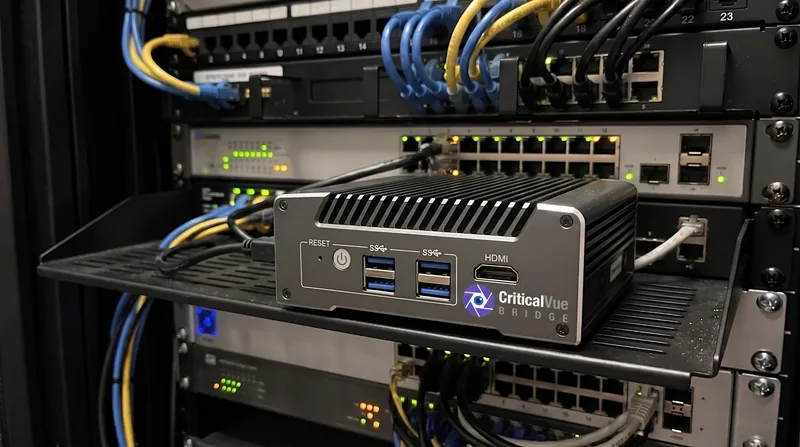
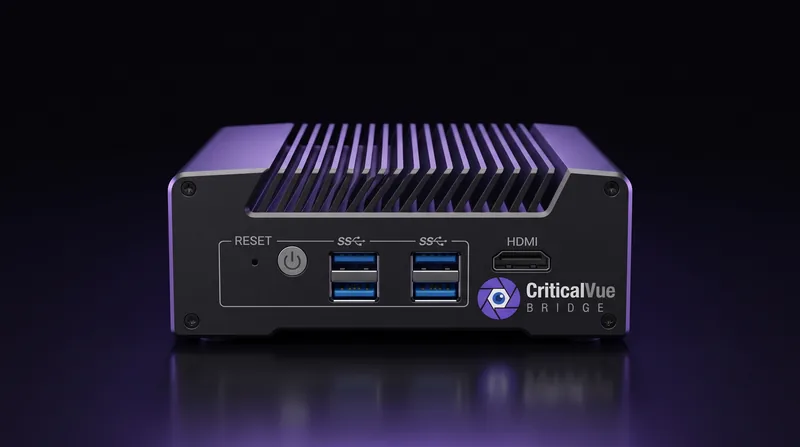
CriticalVue Bridge
A small box on your site's network that connects every recorder there to CriticalVue, outbound only. No port forwards, no dynamic DNS, no VPN. About the Bridge
Not on sale yet
The Bridge will be sold here soon. To get one now, contact us.
How it arrives

Keep the claim code private until the box is installed: whoever enters it claims the box.
What you need
- A CriticalVue account. Monitoring is billed through your organization's plan, separately from the box.
- Power and a network cable where the recorders are.
- Outbound HTTPS (port 443) to CriticalVue. Your IT team gets a one-page network sheet in Admin → Bridges.